

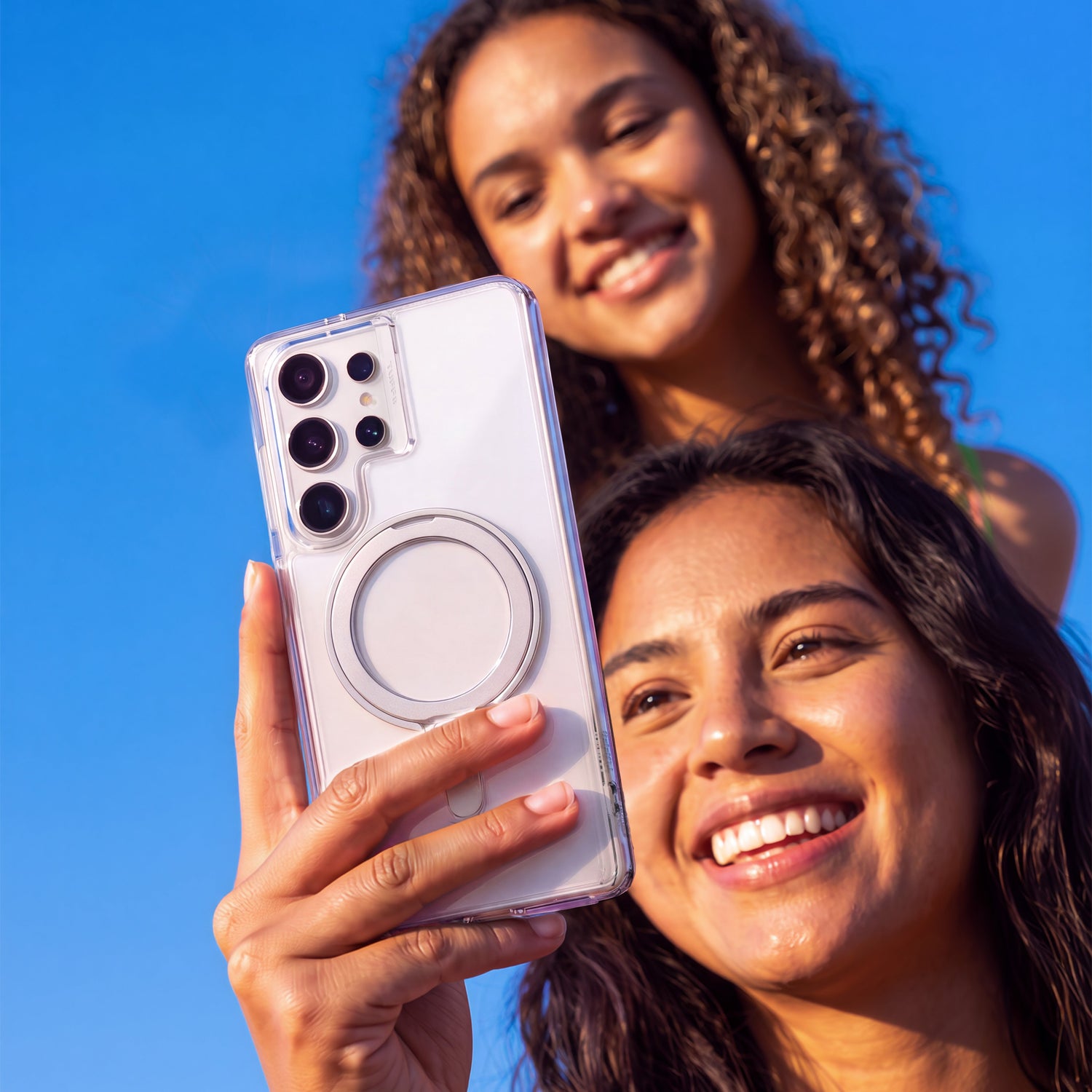
A phone case alone doesn't fully protect a new iPhone, Galaxy, or Pixel — it protects the body and edges, but not the screen or the camera lenses. The most reliable setup is a case, a screen protector, and a camera protector applied together, ideally before you use the phone unprotected even once. The specifics differ slightly by brand, but the same three-layer approach applies across all of them. Here's why each piece matters, and how to get all three on correctly the first time.
Why Isn't a Case Enough on Its Own?
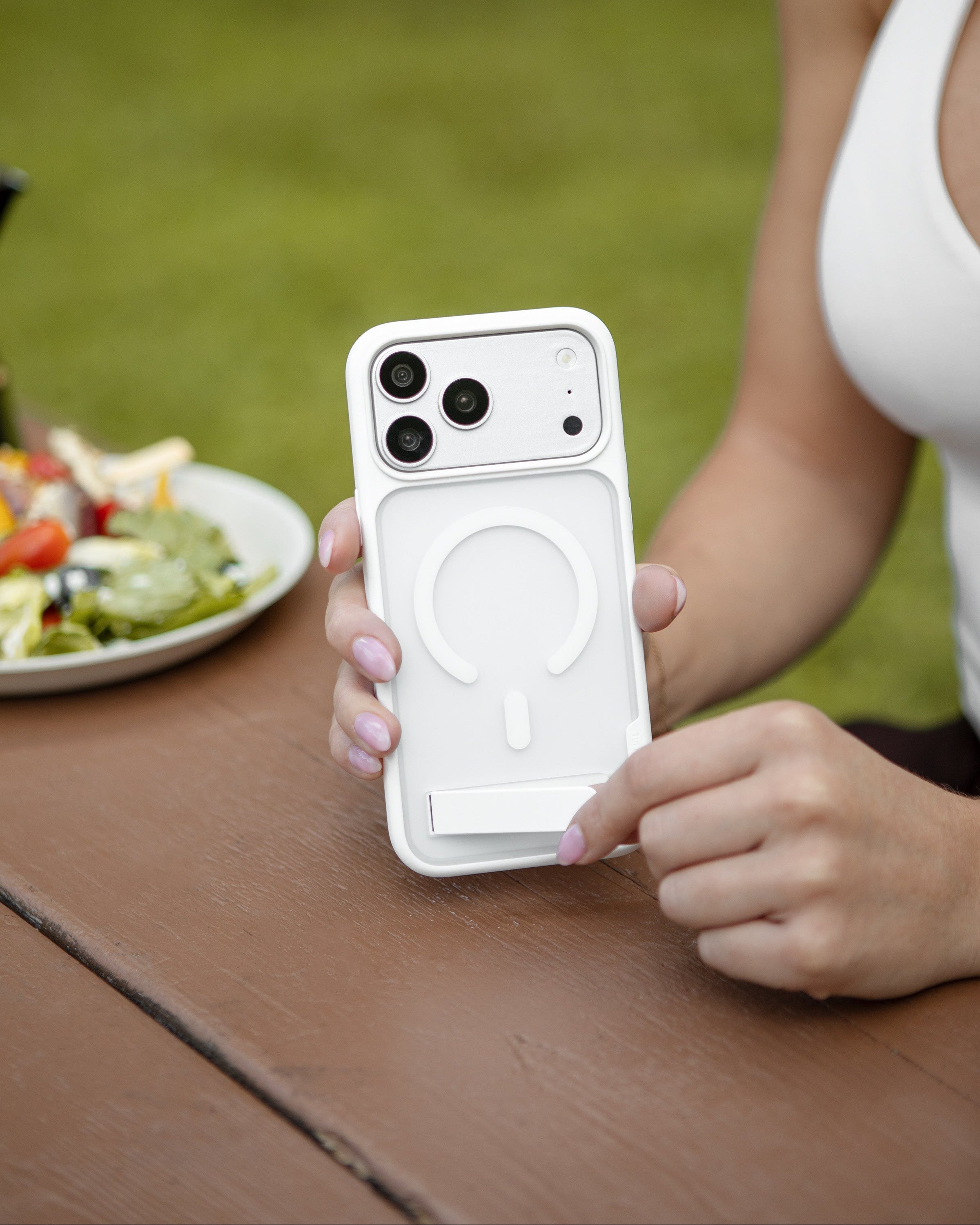
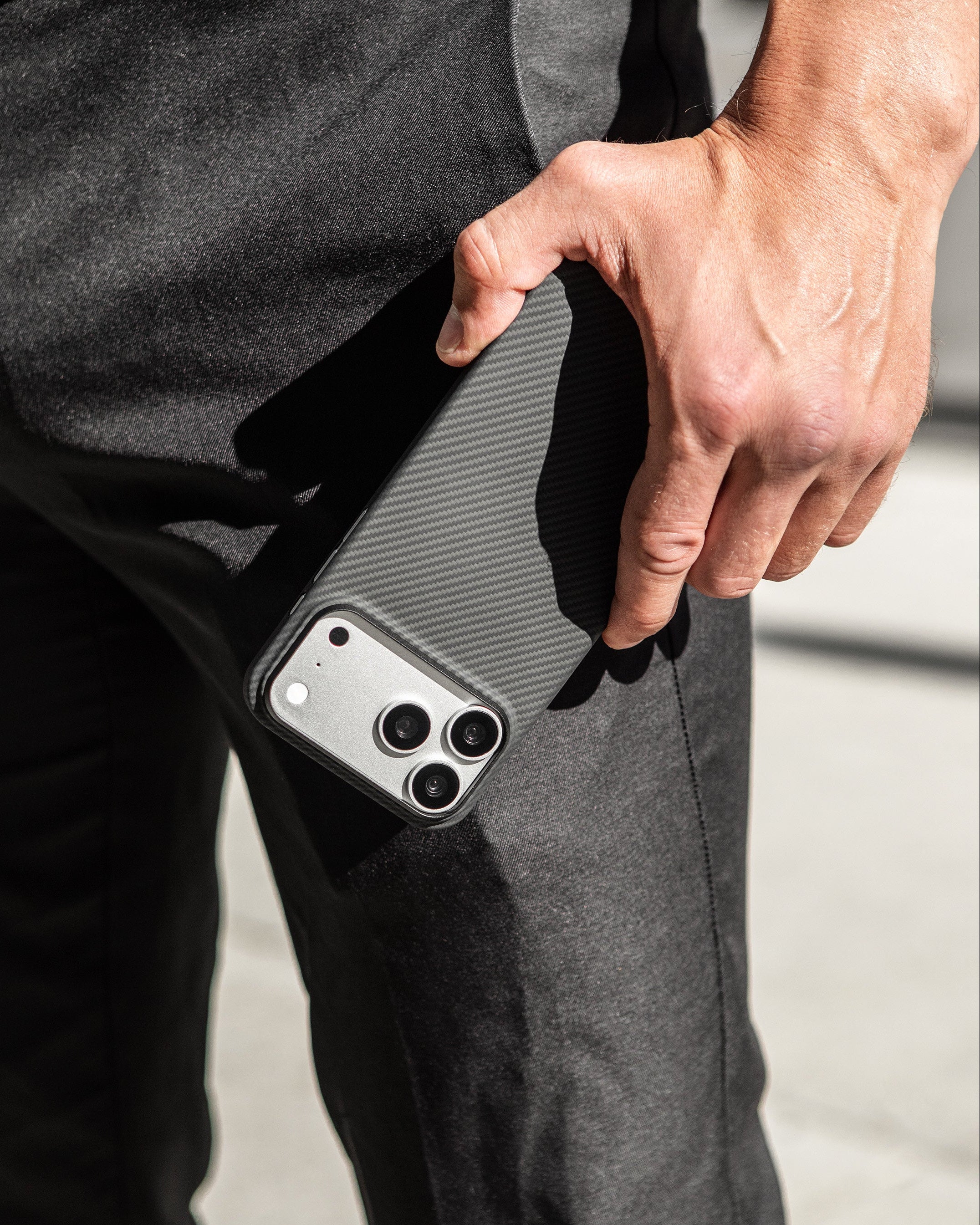
A case is built to absorb impact around the edges and back of the phone — the parts most likely to hit the ground first in a drop. But it isn't built to protect two of the most fragile and expensive parts of your phone: the screen and the camera lenses. This holds true across brands — an iPhone, a Samsung Galaxy, and a Google Pixel all share the same basic vulnerability: exposed glass on the front and a raised, multi-lens camera module on the back. Both are costly to repair if damaged, and on flagship models from any of the three brands, repairing a cracked screen or a damaged camera lens routinely costs more than the case, screen protector, and camera protector combined.
Think of the three pieces as covering three different failure points:
- Case — absorbs shock from drops and protects the body and edges
- Screen protector — takes the scratches and cracks that would otherwise hit your actual display
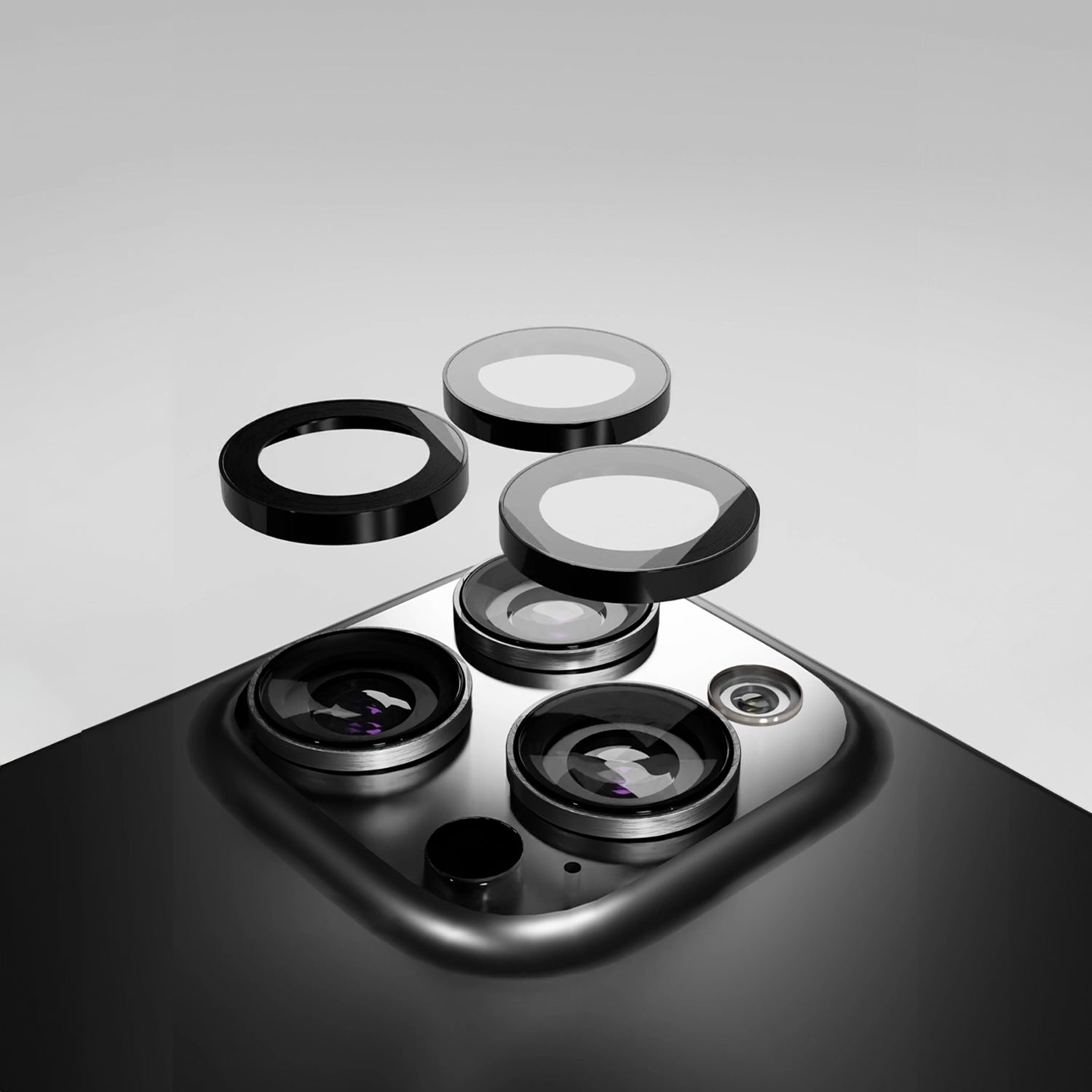
- Camera protector — shields the lenses, which sit slightly raised and are exposed even when the phone is in a case
Skip one, and you've left a gap exactly where damage is most likely to happen.
Do I Really Need a Screen Protector If I Have a Case?
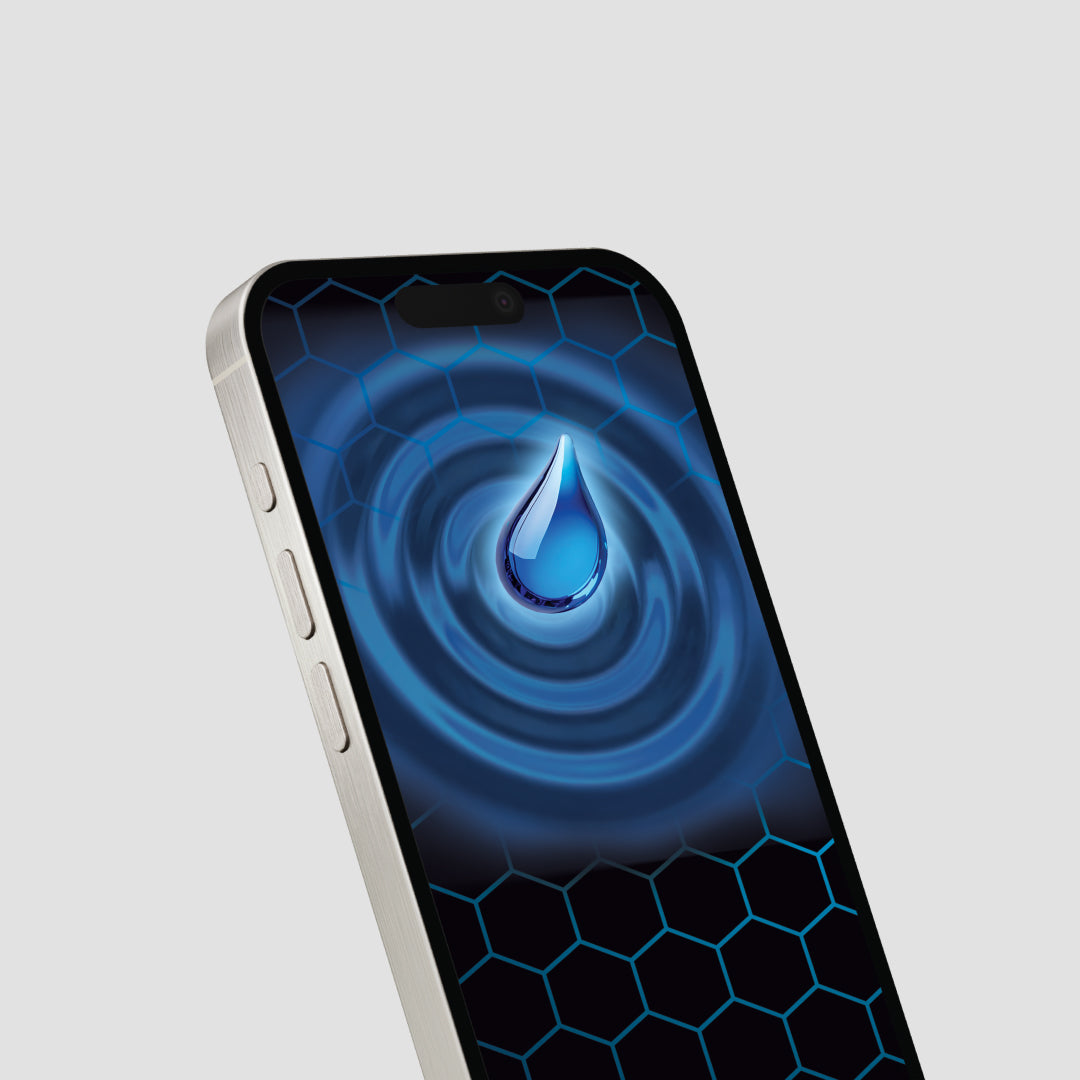
Yes. A case protects the screen indirectly, by raising a lip around the edge so the display doesn't make direct contact when the phone is set face-down. But that doesn't stop scratches from keys, coins, or sand in a pocket or bag, and it doesn't add any scratch resistance to the glass itself. A dedicated screen protector is a separate layer designed specifically to absorb that day-to-day wear, so the original display underneath stays clear and crack-free.
Does a Case Cover the Camera Lens?
No — and this is true of nearly every case on the market, TUFF8 included, regardless of brand. Camera systems on modern iPhones, Galaxy phones, and Pixel phones are all raised and multi-lens, and a case that fully enclosed them would either distort photos or add bulk most people don't want. That's why lens protection is handled separately, with a dedicated camera protector sized to the specific camera layout of your model — a Pixel's camera bar, a Galaxy's cluster, or an iPhone's plateau all need their own precise cutout.
It's worth knowing that camera and screen protectors are designed to be sacrificial. If yours takes a scratch or even cracks after an impact, that's the protector doing its job — it took the damage so the lens or screen underneath didn't have to. A cracked protector after a drop is a sign it worked, not a sign it failed, as long as the crack came from impact rather than a manufacturing issue.
What's the Right Order to Apply Everything?
For the cleanest result, apply protection in this order, ideally the same day you get the phone:
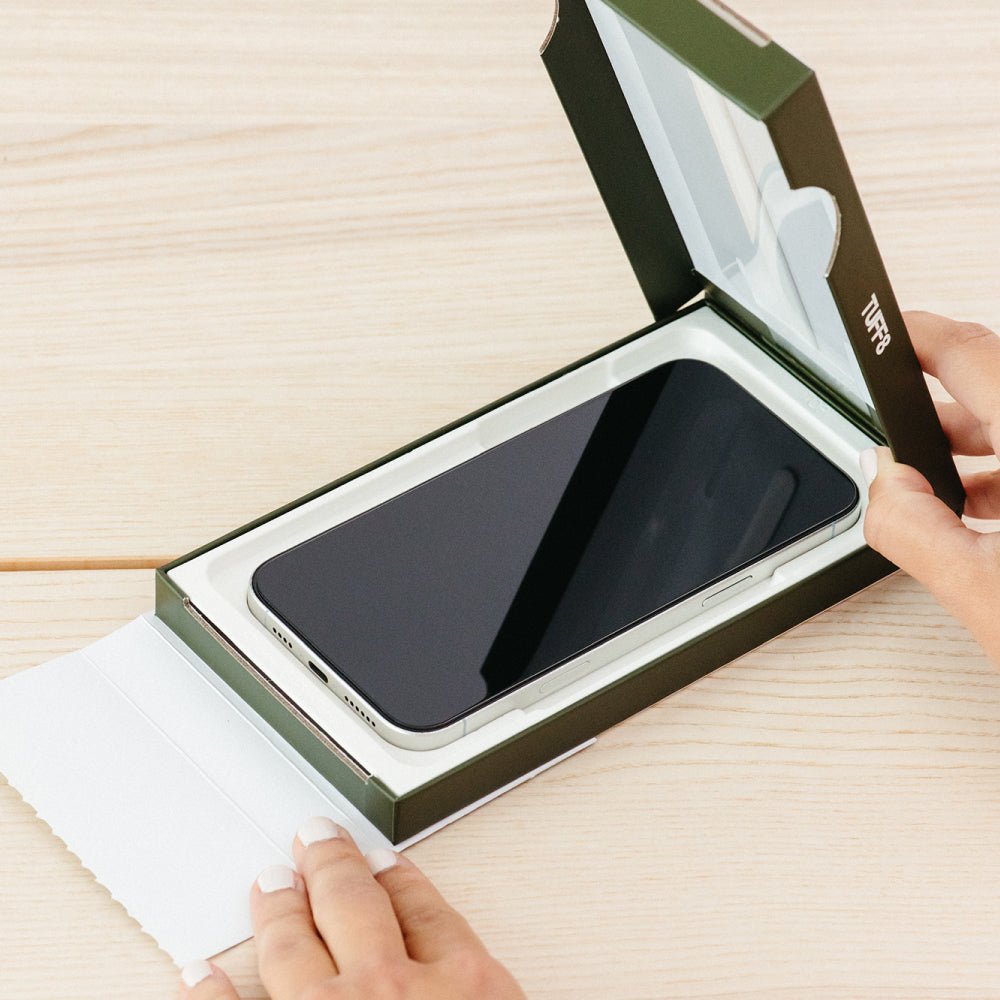
- Clean the screen and camera area first. Use the microfiber cloth and alcohol wipe included with most screen protector kits — any dust trapped underneath will show up as a bubble.
- Apply the screen protector before the case, so you have full access to the edges of the display and can line it up precisely.
- Apply the camera protector next, lining it up with the lens ring before pressing it into place.
- Put the case on last, over both protectors.
Doing it in this order — rather than snapping the case on first — makes it much easier to get clean, bubble-free alignment on both protectors.
What If I Wait a Few Days to Add Protection?
Every day a new phone goes without a case or screen protector is a day of risk with no upside — the phone isn't any more "broken in" or ready for protection later than it is on day one. The most common damage (a drop within the first week, a scratch from keys in a pocket) tends to happen early, simply because that's when a new phone is being handled, shown off, and carried around the most. Setting up full protection before you leave the store, or the same day your order arrives, removes that window entirely.
Does This Apply to Every Phone — iPhone, Galaxy, or Pixel?
Yes — the logic holds no matter which brand or model you're protecting. Whether it's a standard iPhone, an iPhone Pro with a larger camera plateau, a Samsung Galaxy S or Z series, a Google Pixel, or a new form factor like a foldable, the same three risks apply: the body and edges from drops, the screen from scratches, and the camera lenses from both. The specific case, screen protector, and camera protector will differ by model — fit, button placement, camera cutouts, and hinge considerations all vary by brand and generation — but the three-layer approach — body, screen, lens — is the same across the board.
That said, a few brand-specific details are worth knowing:
- iPhone — Pro and Pro Max models have a larger, raised camera plateau that needs its own cutout; foldable models need hinge-aware protection.
- Samsung Galaxy — S Ultra models have an S Pen slot that needs precise cutout alignment; Z Fold and Z Flip models need a case and protector built specifically for the fold mechanism, not a standard case adapted to fit.
- Google Pixel — the horizontal camera bar spans the width of the phone, so both the case and camera protector need to be molded around that bar specifically rather than around individual lenses.
FAQ
Do I need both a case and a screen protector? Yes. A case protects the body and edges from drops; a screen protector protects the display from scratches and cracks. They cover different risks and aren't substitutes for each other.
Will a case protect my camera lens? No. Camera lenses are raised and exposed even with a case on, which is why a separate camera protector is needed for full coverage.
Is it normal for a screen protector or camera protector to crack? Yes, if it happened after an impact. Protectors are designed as a sacrificial layer — cracking is often a sign the layer absorbed damage that would otherwise have reached your actual screen or lens.
What order should I apply my case and protectors in? Clean the phone, apply the screen protector, apply the camera protector, then put the case on last.
How soon after getting a new phone should I add protection? Immediately — ideally before you leave the store or the same day your order arrives. Most accidental damage happens in the first days of ownership, regardless of whether it's an iPhone, Galaxy, or Pixel.
Does the same case-and-protector approach work for Samsung and Pixel phones, not just iPhone? Yes. The three-layer approach — case, screen protector, camera protector — applies to any phone with exposed glass and a raised camera module, which covers virtually every current iPhone, Galaxy, and Pixel model. Fit and cutouts differ by brand, but the underlying logic doesn't.
Protect Your Phone the Right Way, From Day One
Don't leave your new iPhone, Galaxy, or Pixel exposed while you decide. Shop TUFF8's case, screen protector, and camera protector bundles — built to fit your exact model — and get full coverage before you even leave the store.


Leave a comment
This site is protected by hCaptcha and the hCaptcha Privacy Policy and Terms of Service apply.